Overview
CometChat’s Calls feature is an advanced functionality that allows you to seamlessly integrate one-on-one as well as group audio and video calling capabilities into your application. This document provides a technical overview of these features, as implemented in the Flutter UI Kit.If you haven’t set up calling yet, follow the Calling Integration guide first.
Features
Incoming Call
The Incoming Call widget of the CometChat UI Kit provides the functionality that lets users receive real-time audio and video calls in the app. When a call is made to a user, the Incoming Call widget triggers and displays a call screen. This call screen typically displays the caller information and provides the user with options to either accept or reject the incoming call.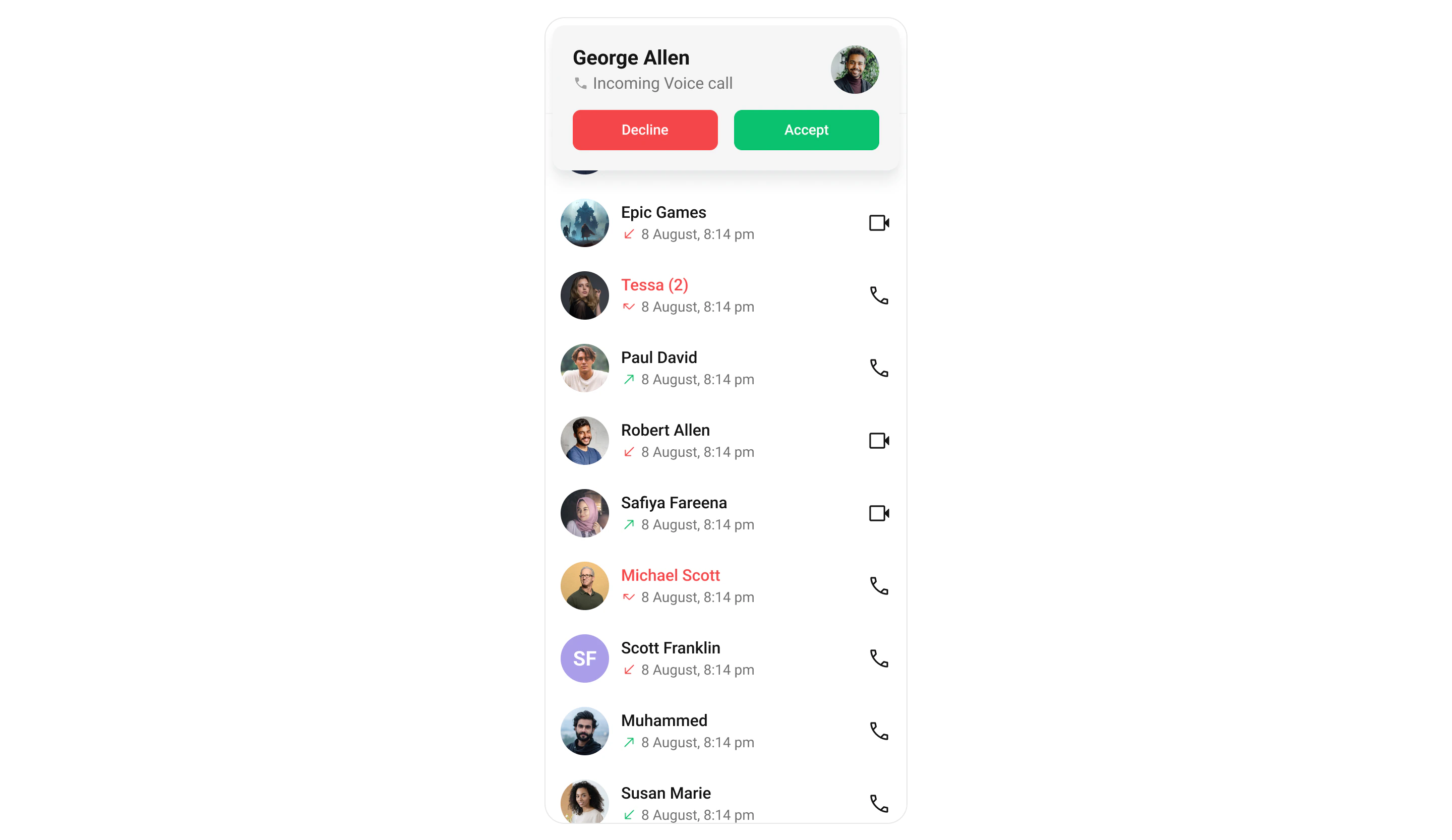
Outgoing Call
The Outgoing Call widget of the CometChat UI Kit is designed to manage the outgoing call process within your application. When a user initiates an audio or video call to another user or group, this widget displays an outgoing call screen, showcasing information about the recipient and the call status. Importantly, the Outgoing Call widget is smartly designed to transition automatically into the ongoing call screen once the receiver accepts the call. This ensures a smooth flow from initiating the call to engaging in a conversation, without any additional steps required from the user.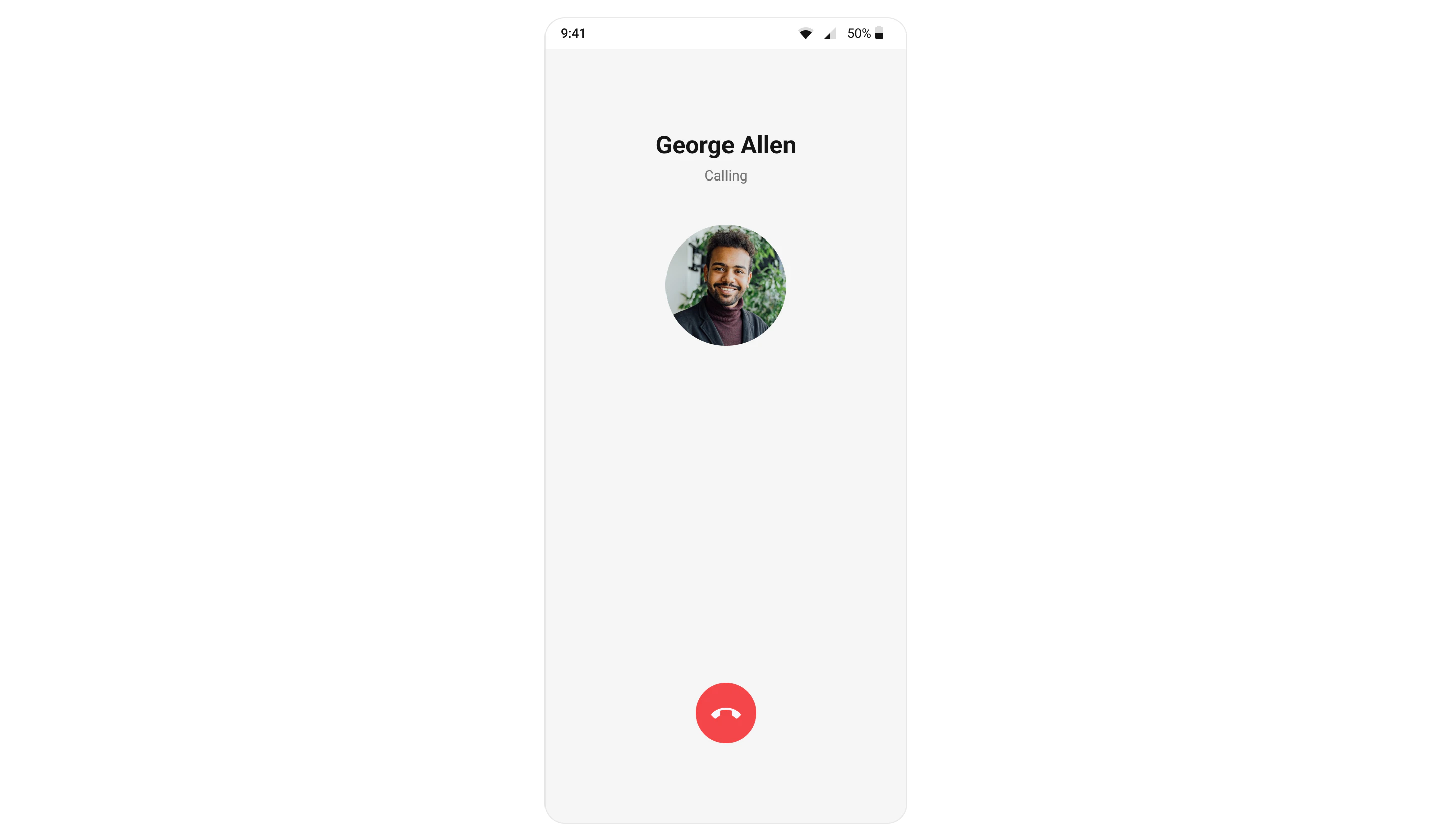
Call Logs
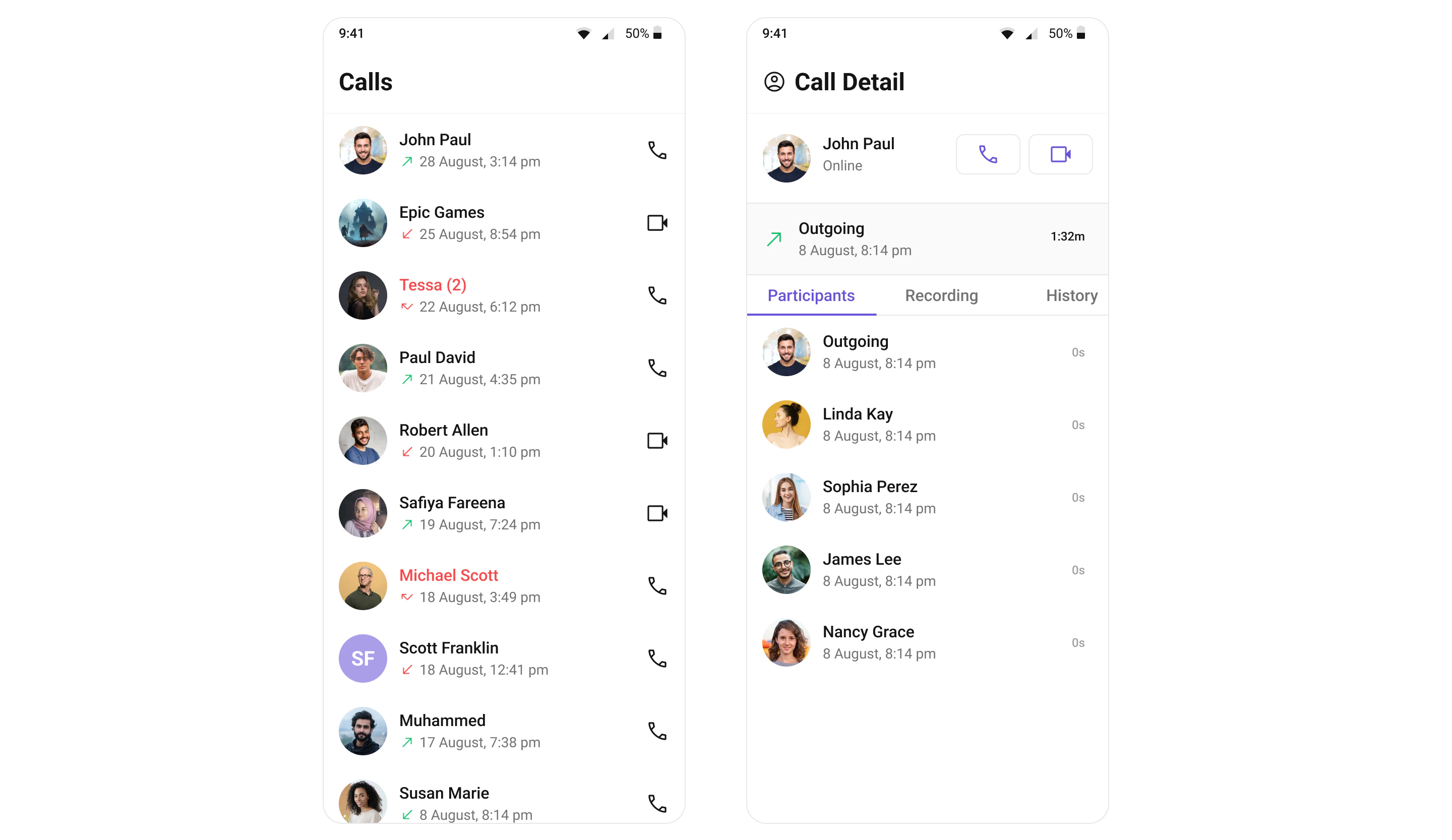
Call Logs widget provides you with the records call events such as who called who, the time of the call, and the duration of the call. This information can be fetched from the CometChat server and displayed in a structured format for users to view their past call activities.