

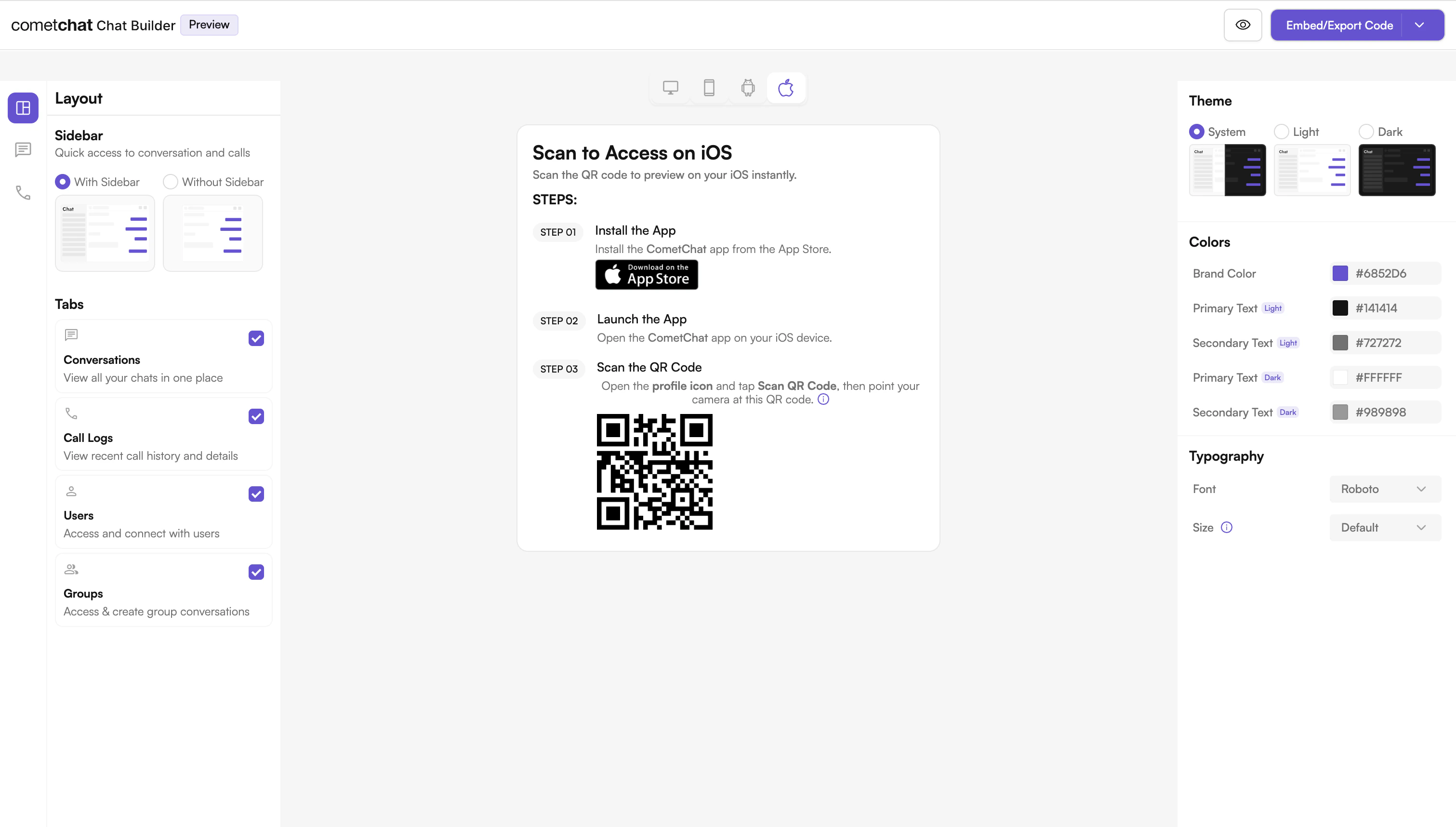
What is UI Kit Builder?
UI Kit Builder is CometChat’s configuration system that allows you to customize chat features, UI components, and styling through a simple JSON configuration file. The configuration can be loaded into your app using a local JSON file.Builder Settings Categories
Your Builder configuration supports the following categories:| Category | Description |
|---|---|
| Core Messaging Experience | Typing, media sharing, replies, etc. |
| Deeper User Engagement | Reactions, mentions, translation, polls |
| AI User Copilot | Smart replies, summaries, starters |
| Group Management | Create/delete group, add members |
| Moderator Controls | Ban/kick/promote members |
| Voice & Video Calling | 1:1 and group calling support |
| Layout & Styling | Theme, typography, layout mode |
Try Live Demo
Experience the CometChat UI Kit Builder in action:Launch Live Demo
Next Steps
Integration Guide
Step-by-step instructions to integrate the UI Kit Builder into your iOS project.
Builder Settings
Complete reference of all configuration options available in CometChatBuilderSettings.
Customizations
Learn how to customize components and styling.
Directory Structure
Understand the organization of the exported Builder code.
Helpful Resources
iOS Builder App
Experience the power of CometChat UI Kit with this interactive app
UI Kit Source Code
Explore the complete iOS UI Kit source code
Figma Design File
UI design resources for customization and prototyping
Create Support Ticket
Get assistance from our support team with any questions or issues